Cast directly to DLNA-compatible TVs
Works with mainstream DLNA-compatible smart TVs and receivers. Install the LabiCast TV app when you want the full receiving experience.
We build simple, clear software for viewing, presenting, and working with content.
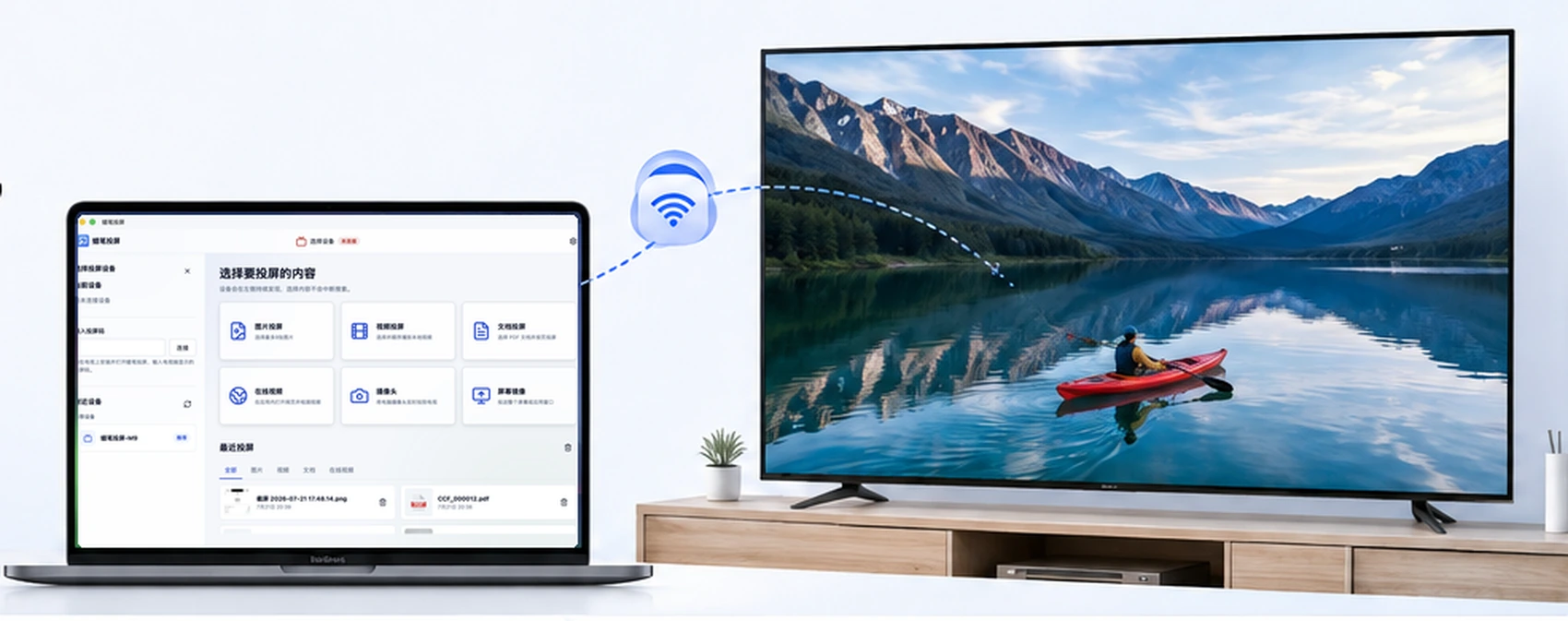
Connect to mainstream DLNA-compatible smart TVs and bring screens, photos, videos, and live camera views from computers and phones to the big screen.
Works with mainstream DLNA-compatible smart TVs and receivers. Install the LabiCast TV app when you want the full receiving experience.
Switch among Standard, Video, Document, and Game modes. Change screens or app windows while casting, with up to 1080p output.
Show photos in 2-, 4-, or 6-tile layouts, select up to 9 per set, and keep controlling local video from your phone.
Send people or physical objects to the big screen in real time for demos, training, and explanations.
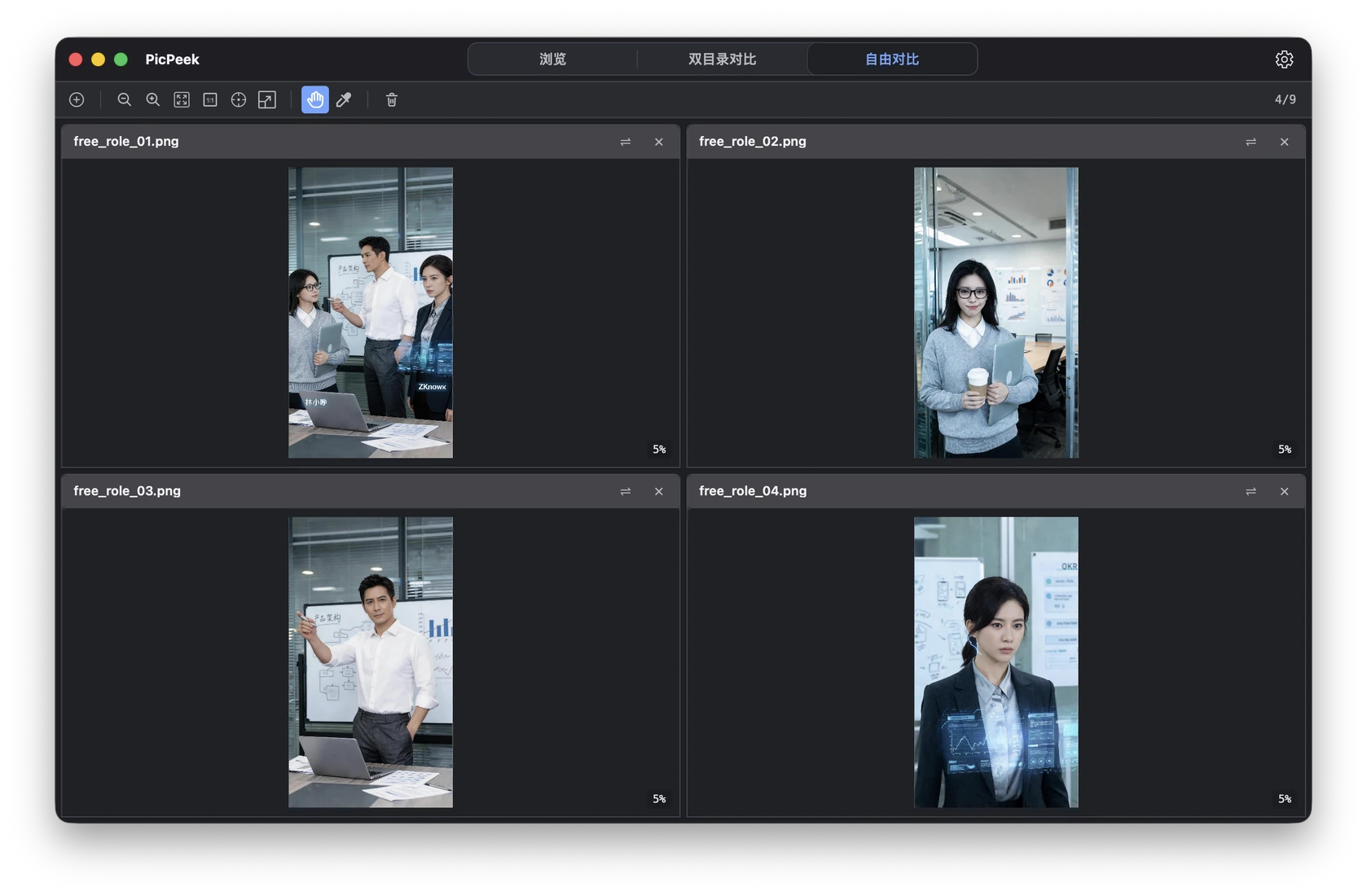
A desktop tool for viewing and comparing images — multi-image browsing, dual-folder comparison, overlay, and diff, made intuitive.
View multiple images in one workspace with fewer windows and less switching.
Review two image sets in sync for version checks, asset curation, and batch inspection.
Surface subtle changes clearly so you can judge images faster and with more confidence.
Keep a reference image above other windows while reading, drawing, or editing without switching back and forth.
Product updates and important company news will be published here.