Choose AI-generated images
View candidates together, inspect details and keep your favorites.
 ZknowAIZHENZHI TECHNOLOGY
Desktop image workspace
Browse fast, compare many, pin references.
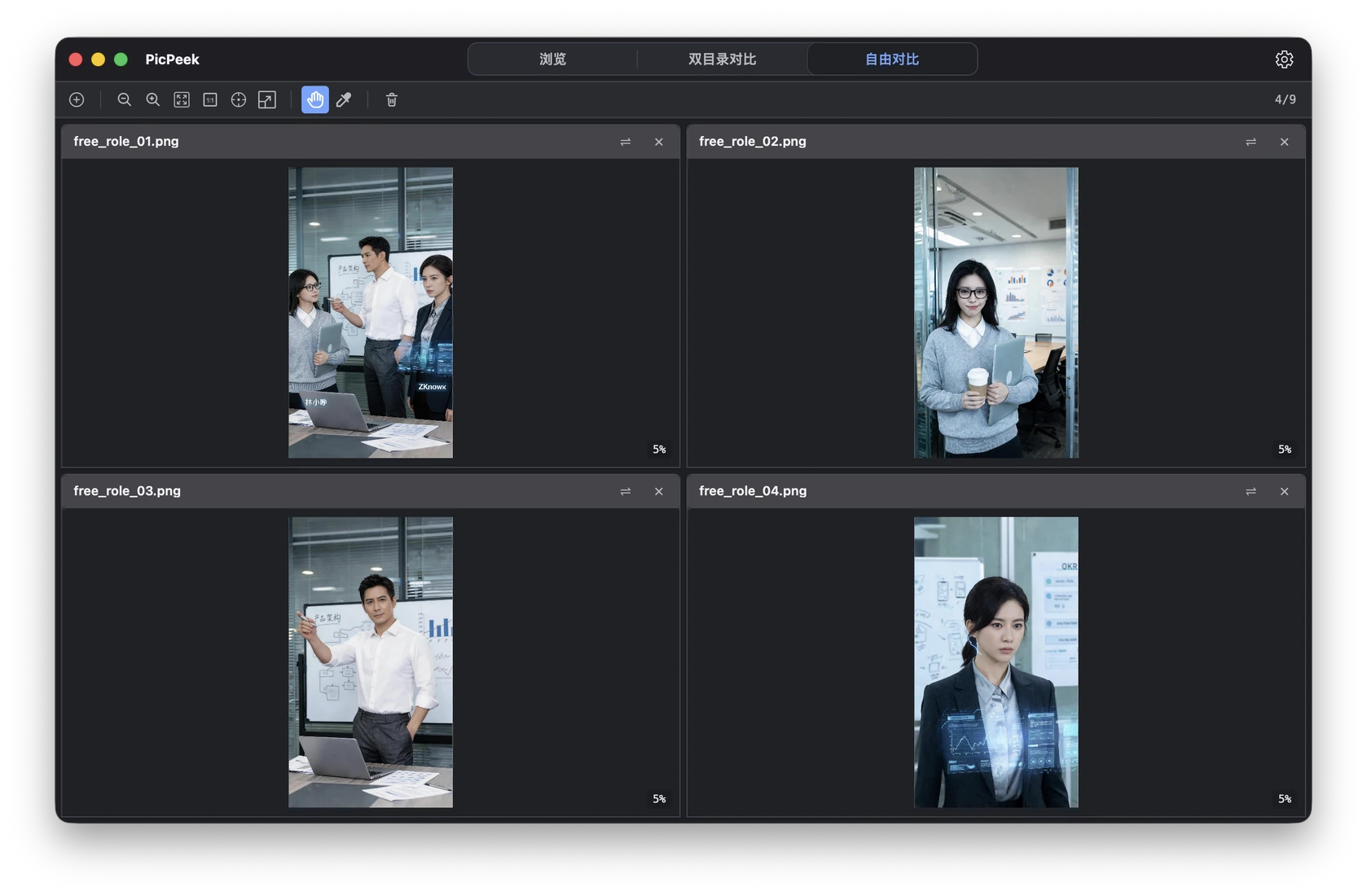
A cross-platform image workspace. Open a folder to browse multiple images, compare versions and directories, and pin references on your screen. An optional Agent Skill can help find, open, compare and pin images. PicPeek processes images locally without uploading them to the cloud.
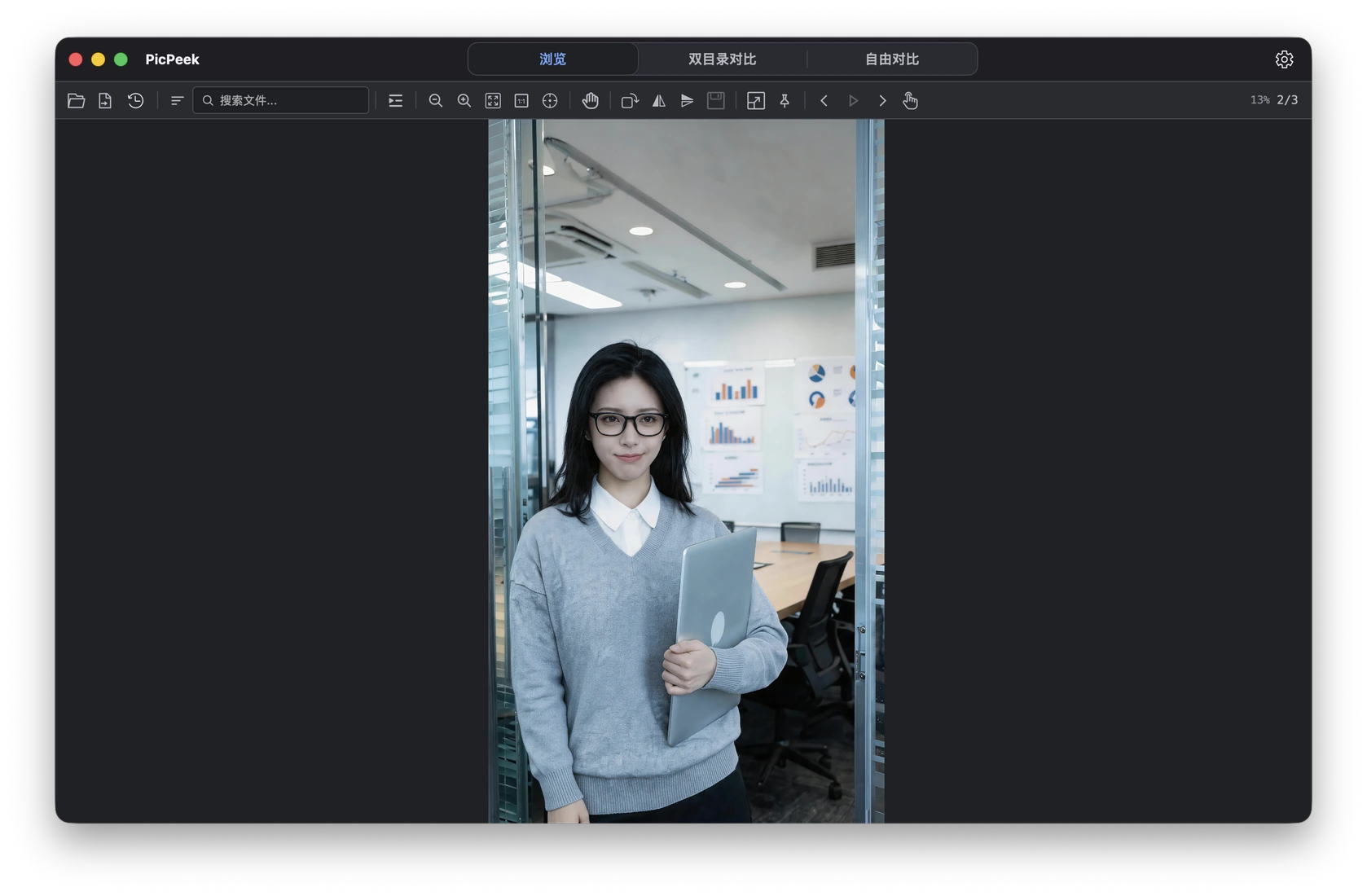
Review designs or choose between AI-generated images without distractions. Double-click for full screen, hide the interface and zoom into details. Browse manually or set an interval for automatic playback.
Review a batch of AI-generated images in full screen to narrow down your choice.
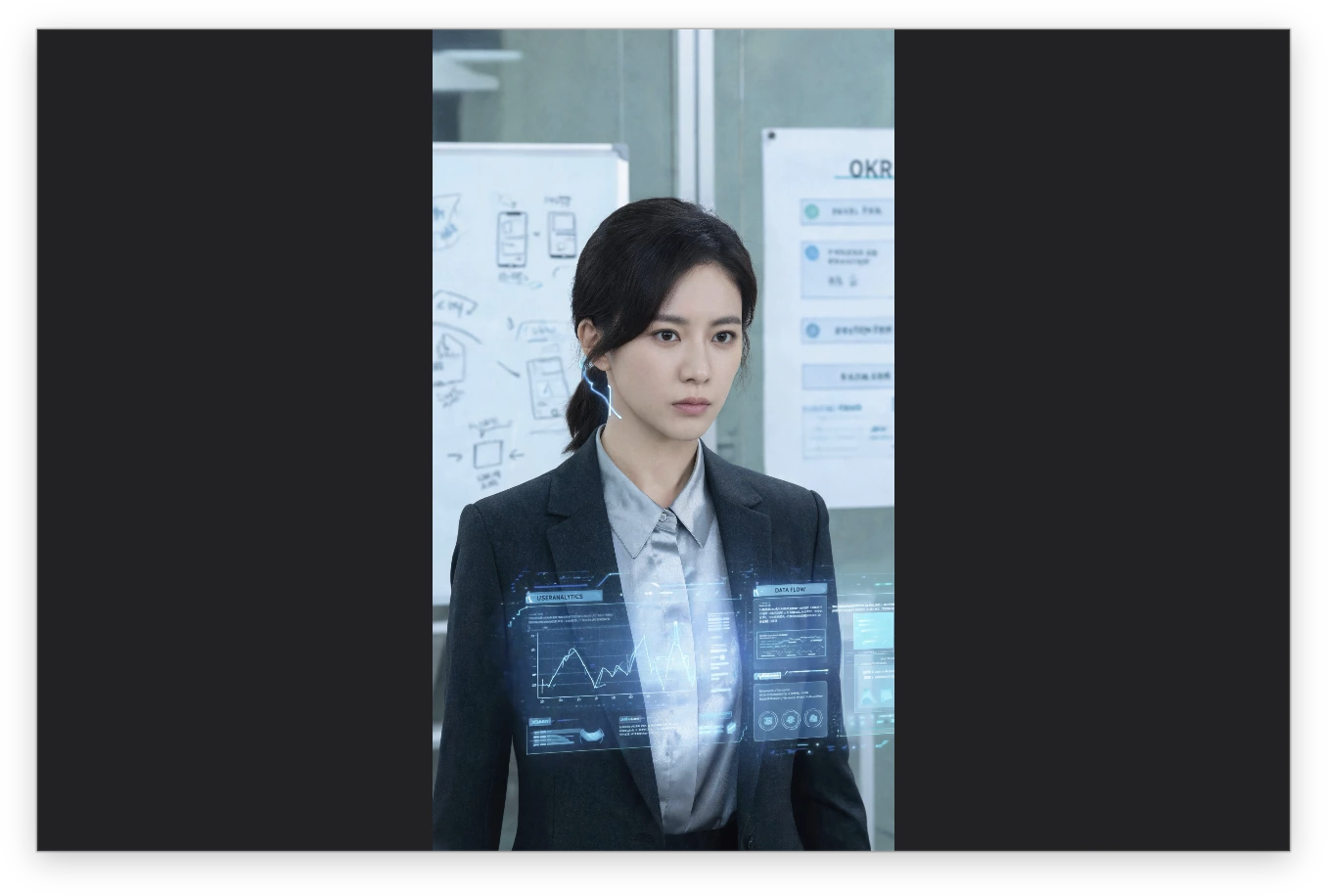
Keep references above your other windows while coding, designing or working with spreadsheets. Adjust opacity, resize and move them, or pin several at once. Your references stay visible as you switch apps.
Keep a wireframe beside your editor, or a favorite photo beside your spreadsheet.
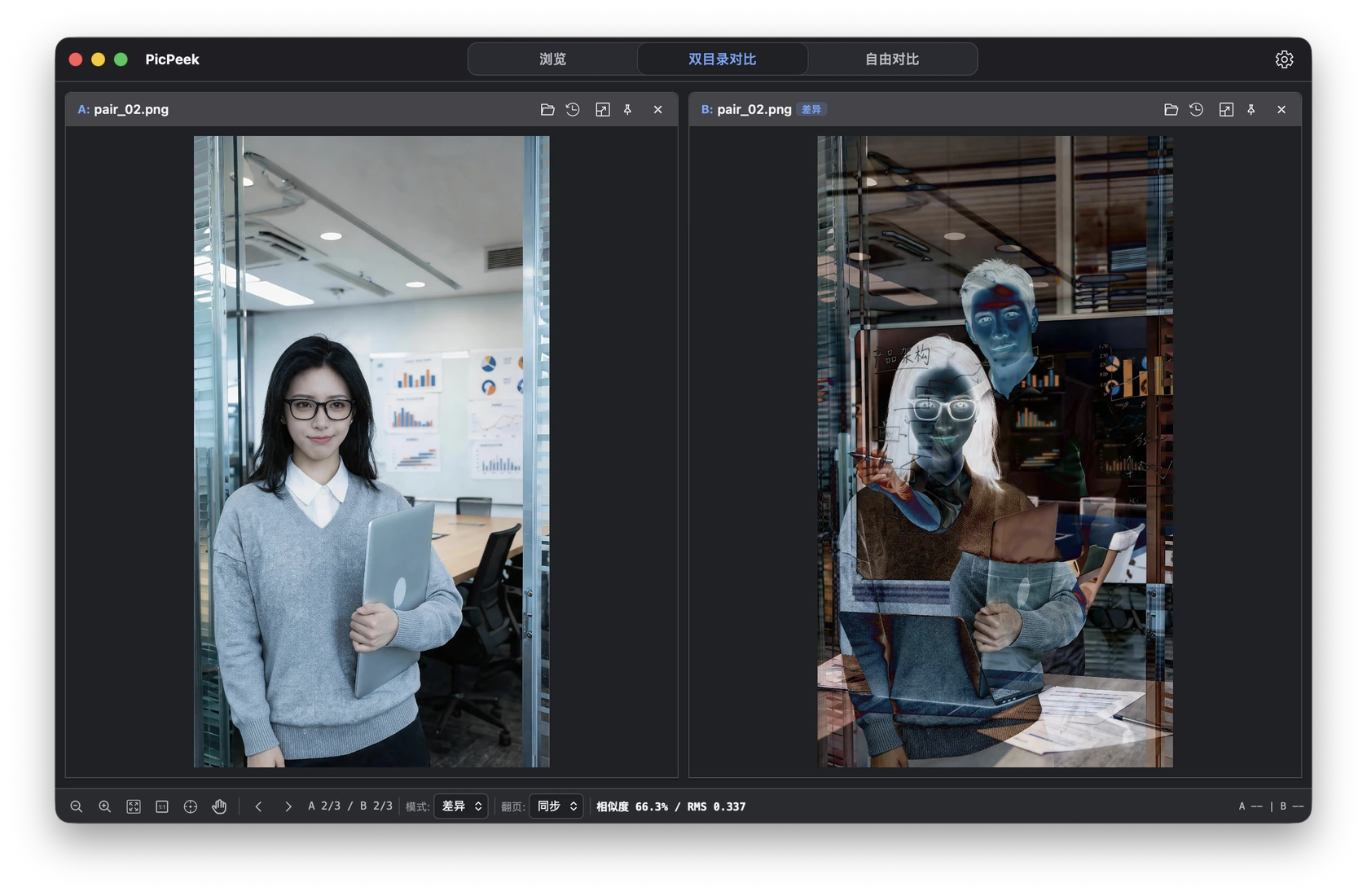
Compare interface screenshots or design revisions side by side, as an overlay or with highlighted differences. Inspect the color value of the pixel under your pointer.
Highlight differences for screenshot regression checks and design reviews.
Install the Agent Skill to let your AI assistant call PicPeek. Ask it to find and open images together, then make your choice. PicPeek processes the images locally.
Try: “Open today’s homepage screenshots alongside the previous version.”
Optional advanced feature. Not required for regular browsing or comparison.
Agent usage guideBrowse images, review designs, choose AI-generated results, compare screenshots and sort assets in one desktop workspace.
View candidates together, inspect details and keep your favorites.
Review designs, references and screenshots together.
Compare new screenshots with a baseline across two folders.
Browse product images, event photos and exports, and pin useful references.
Free to download for macOS and Windows. Images are processed locally.
Download PicPeekLearn about the product, supported systems and downloads.
PicPeek is a macOS and Windows image workspace by ZknowAI for fast browsing, multi-image and folder comparison, and pinned references.
PicPeek offers macOS and Windows installers. See the current download information for system requirements, version, size and package type.
PicPeek processes images on your device without uploading them to the cloud.