Mac
Download for Mac- Version
- Verifying
- Size
- —
- Minimum OS
- macOS 13+
 ZknowAIZHENZHI TECHNOLOGY
 LabiCast
The HarmonyOS version is not available yet.
Scan with your phone
Download app
Scan with iPhone or iPad to get it on the App Store
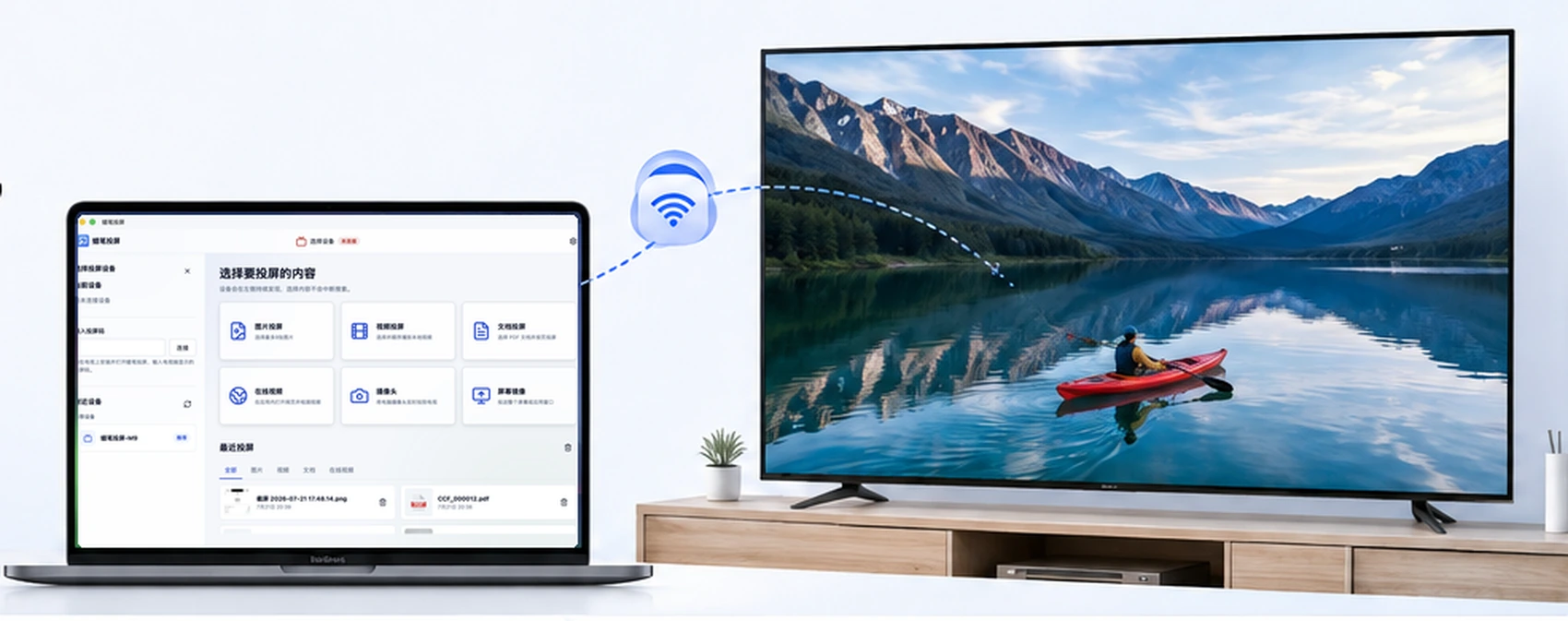
Play content on the TV while your computer stays free for other work.

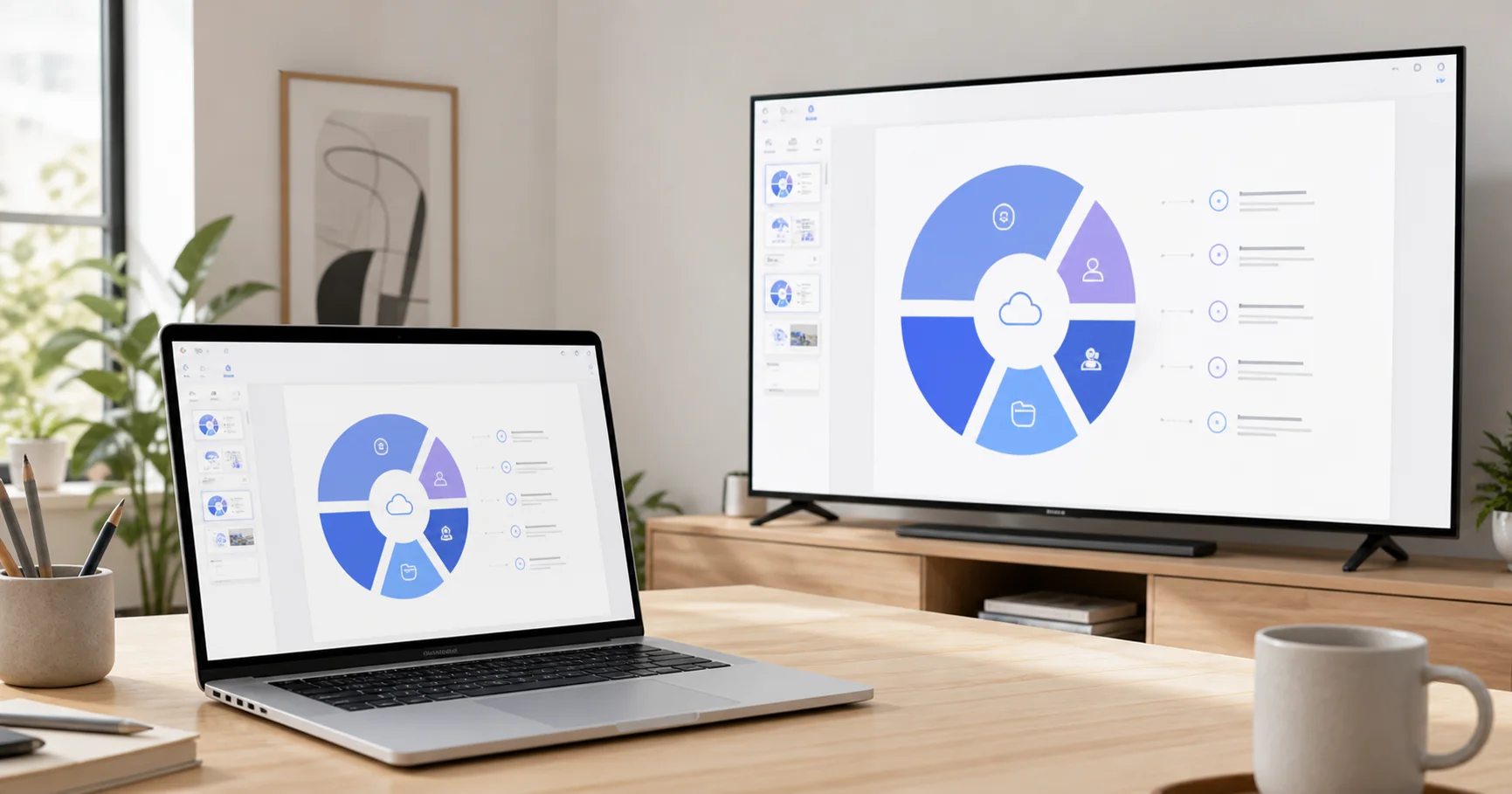
Cast meeting decks and courseware directly, without converting them into images first.
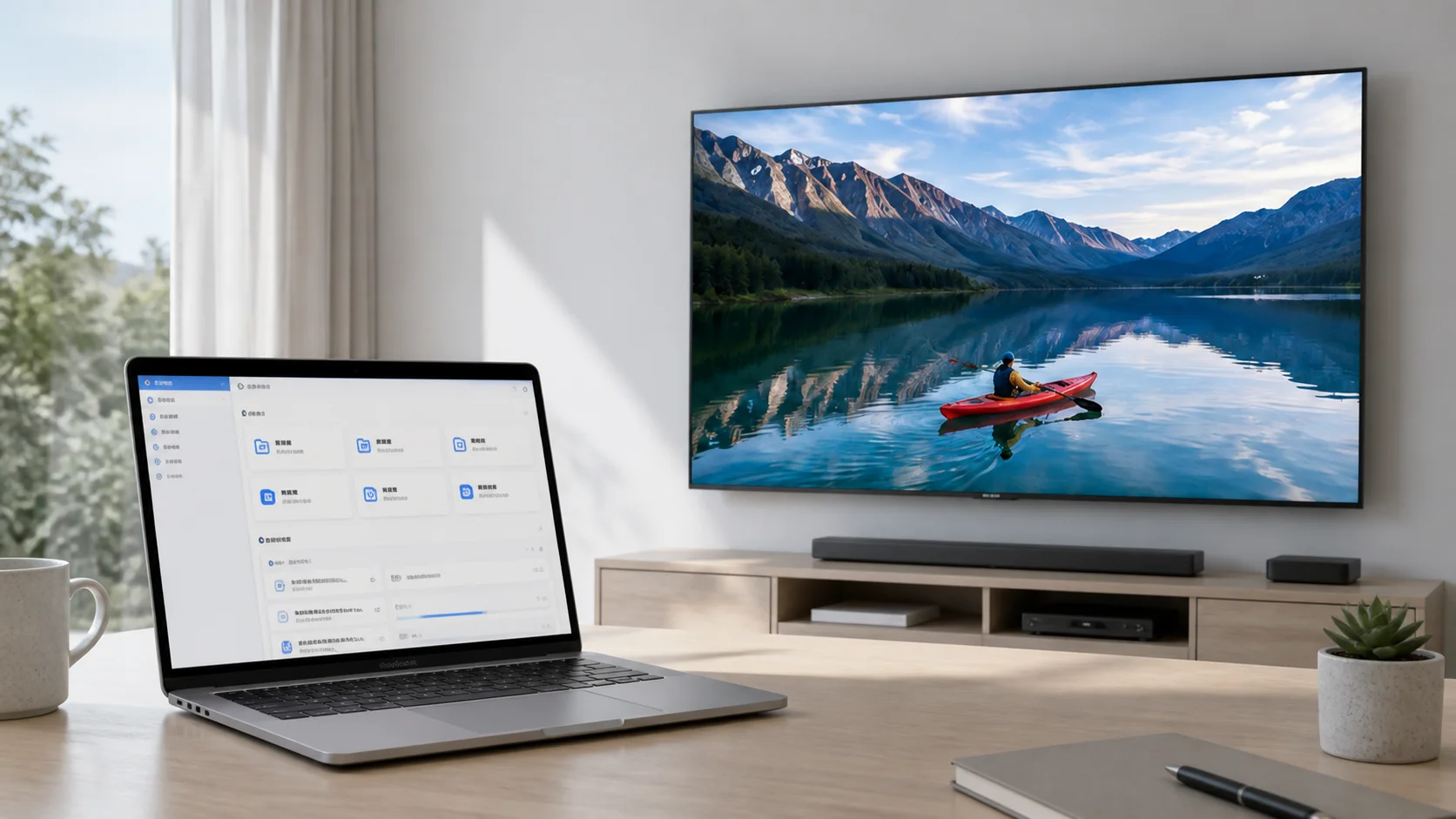
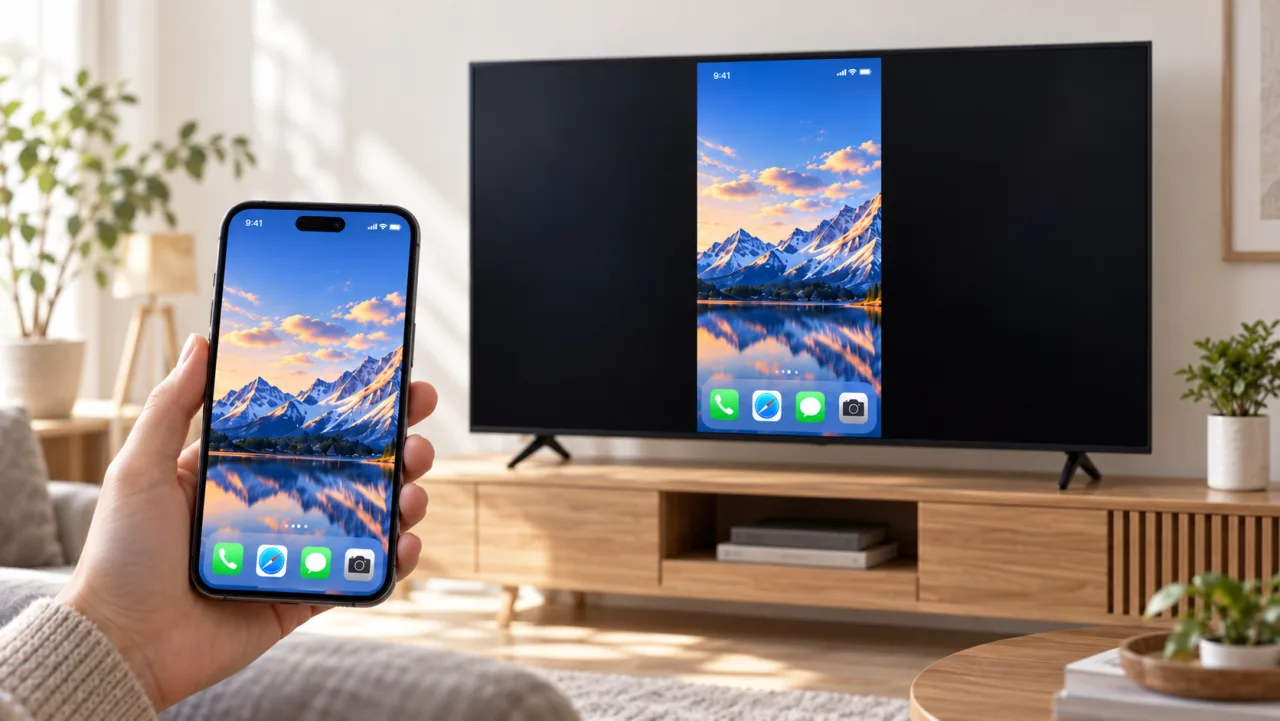
Cast the whole screen or one app window; when you need more workspace, turn the TV into a wireless extended display.
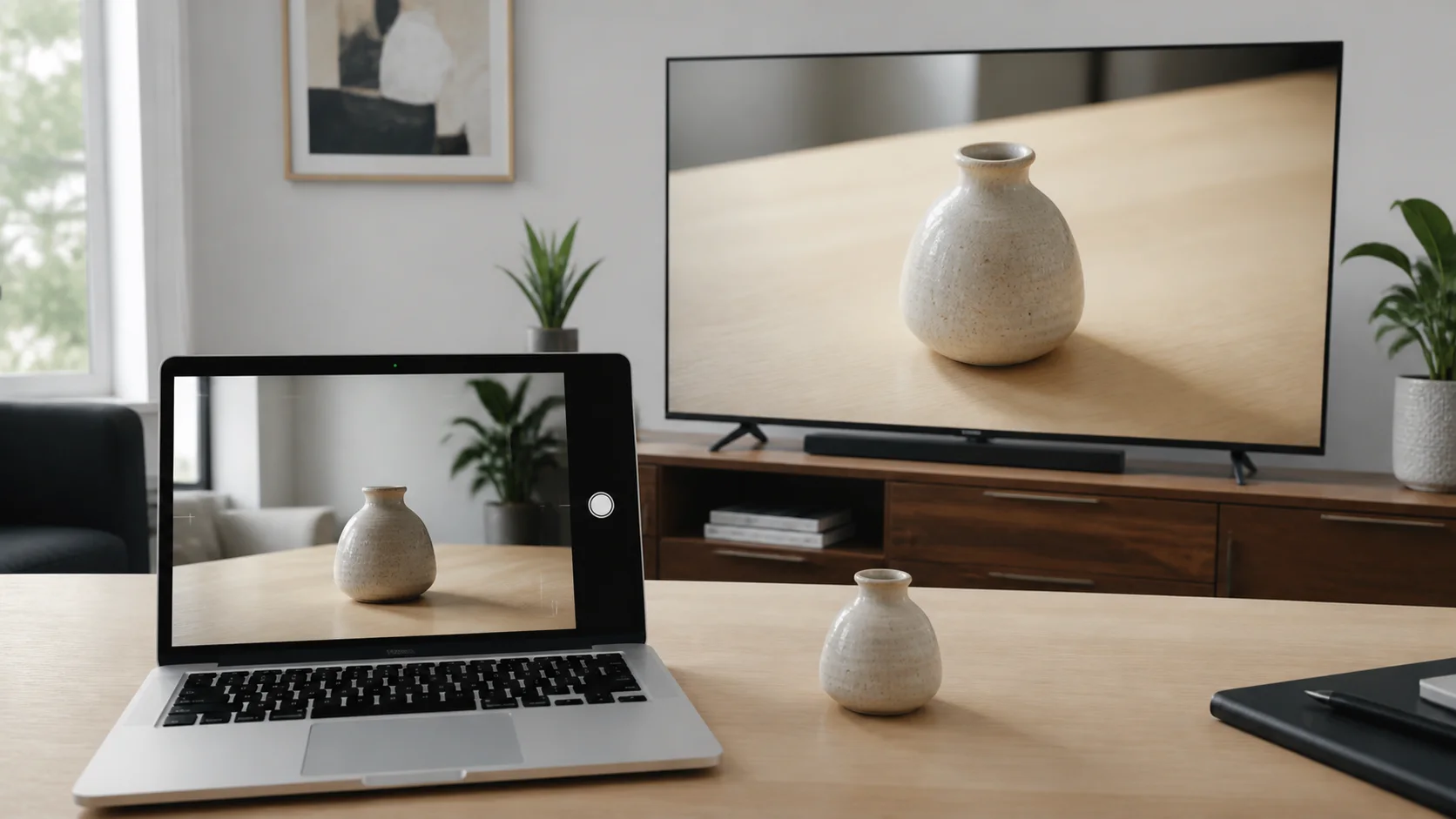
Show objects, actions, or a live explanation on the TV for training and in-person demonstrations.
Share travel photos and family videos on the big screen, with playback controlled from your phone.
Features and formats vary by receiver. Use LabiCast TV for the full feature set.
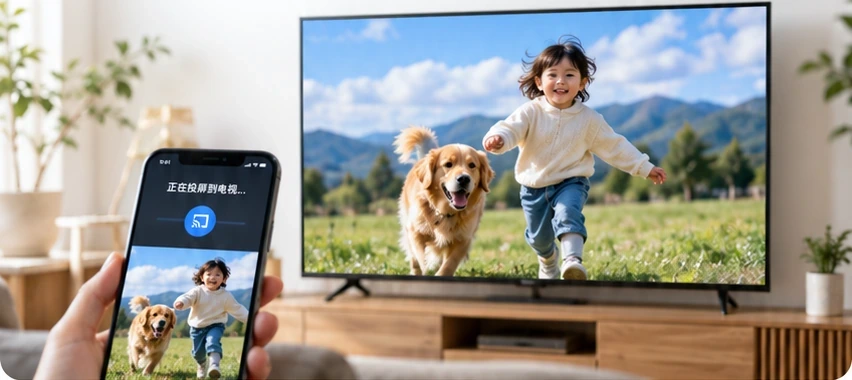
Show the content and actions on your phone without gathering around a small screen.
For iPhone / iPad. Other platforms depend on their released features.
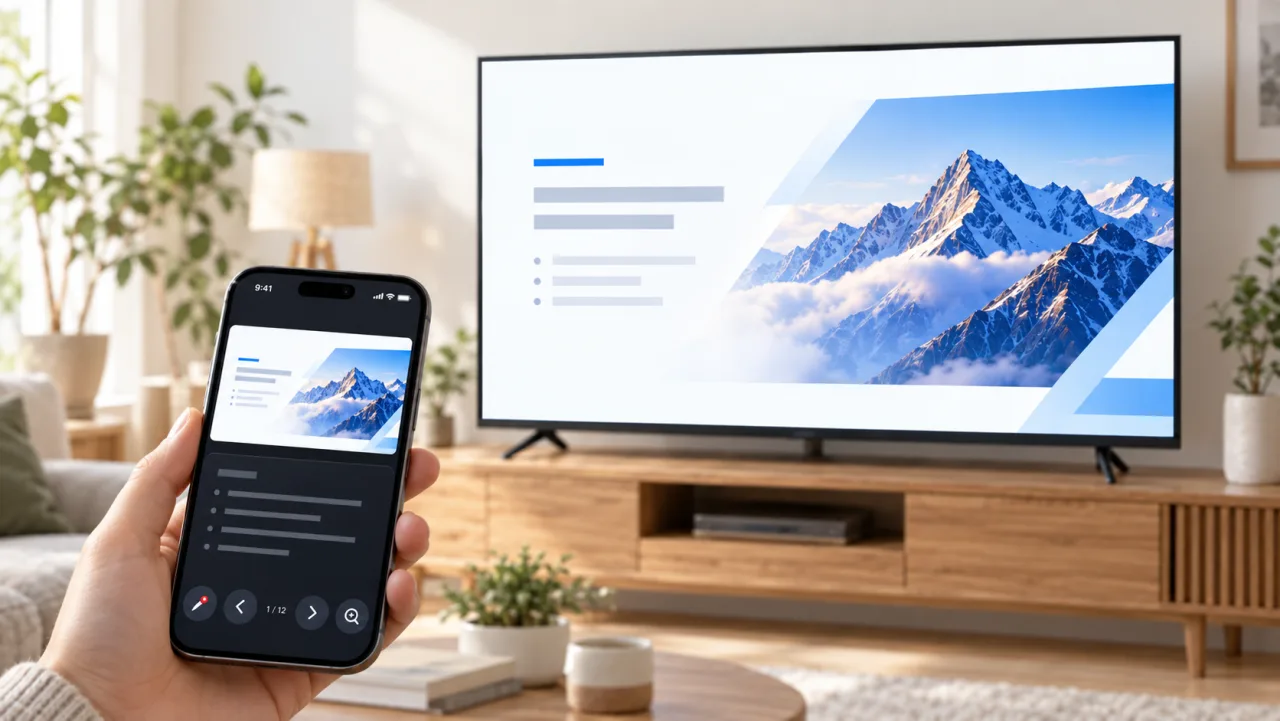
Present meeting documents or teaching materials on the TV while keeping speaker notes on your phone.
For iPhone / iPad. Other platforms depend on their released features.
Discover a receiver and choose how to connect. Cast directly to compatible TVs, or use LabiCast TV for the full feature set.
Features and formats vary by receiver. Use LabiCast TV for the full feature set.
Photos, video, documents and screens,
easier to see together on the TV.
Choose your computer system above, then download and install.
Connect the computer and TV to the same network, then select the TV.
Open images, video or documents, or start mirroring.
Choose your mobile system, download LabiCast and open it.
Connect your phone and TV to the same network, then select the TV.
Choose photos, video or other content and control the presentation from your phone.
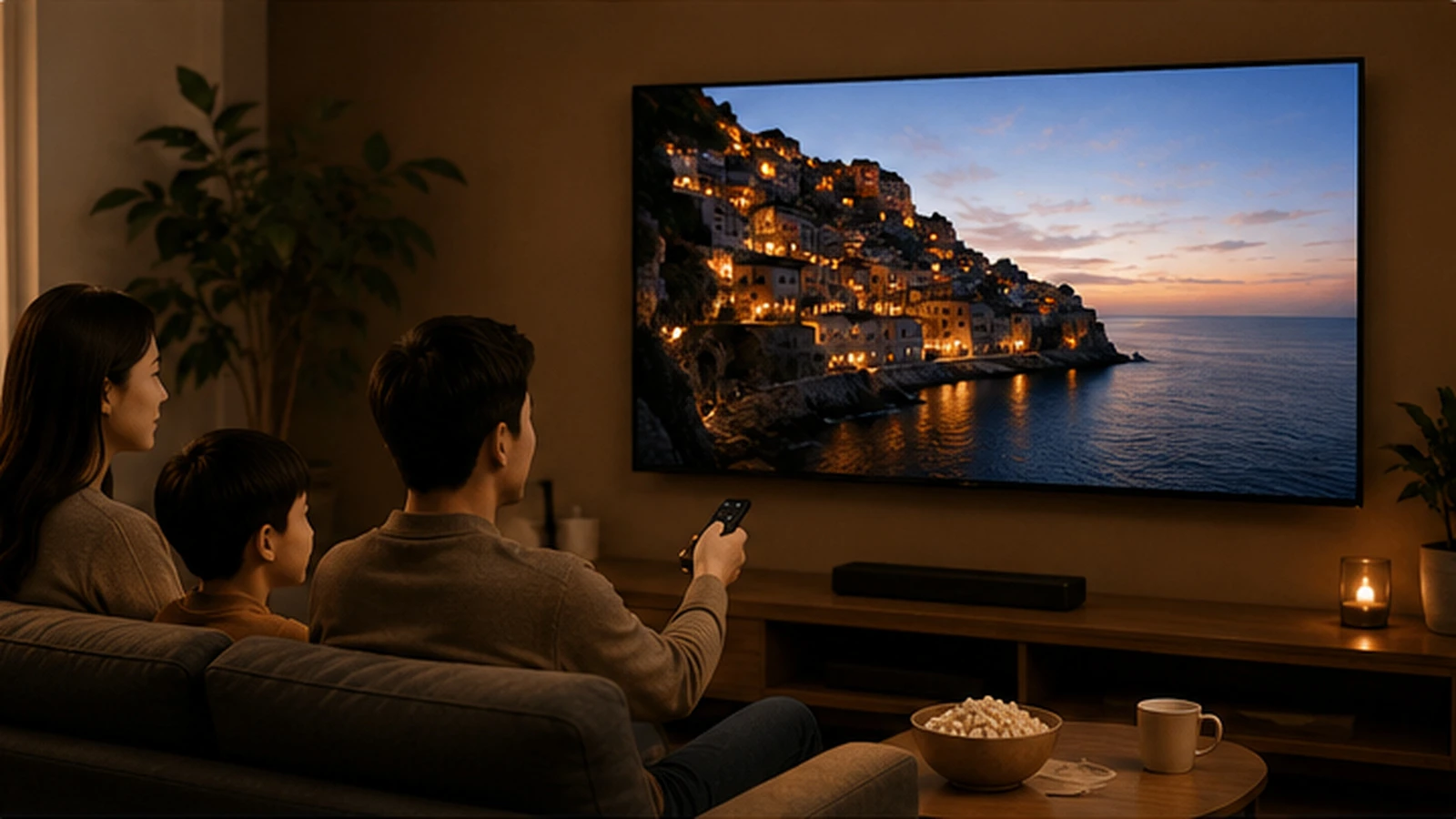 At home
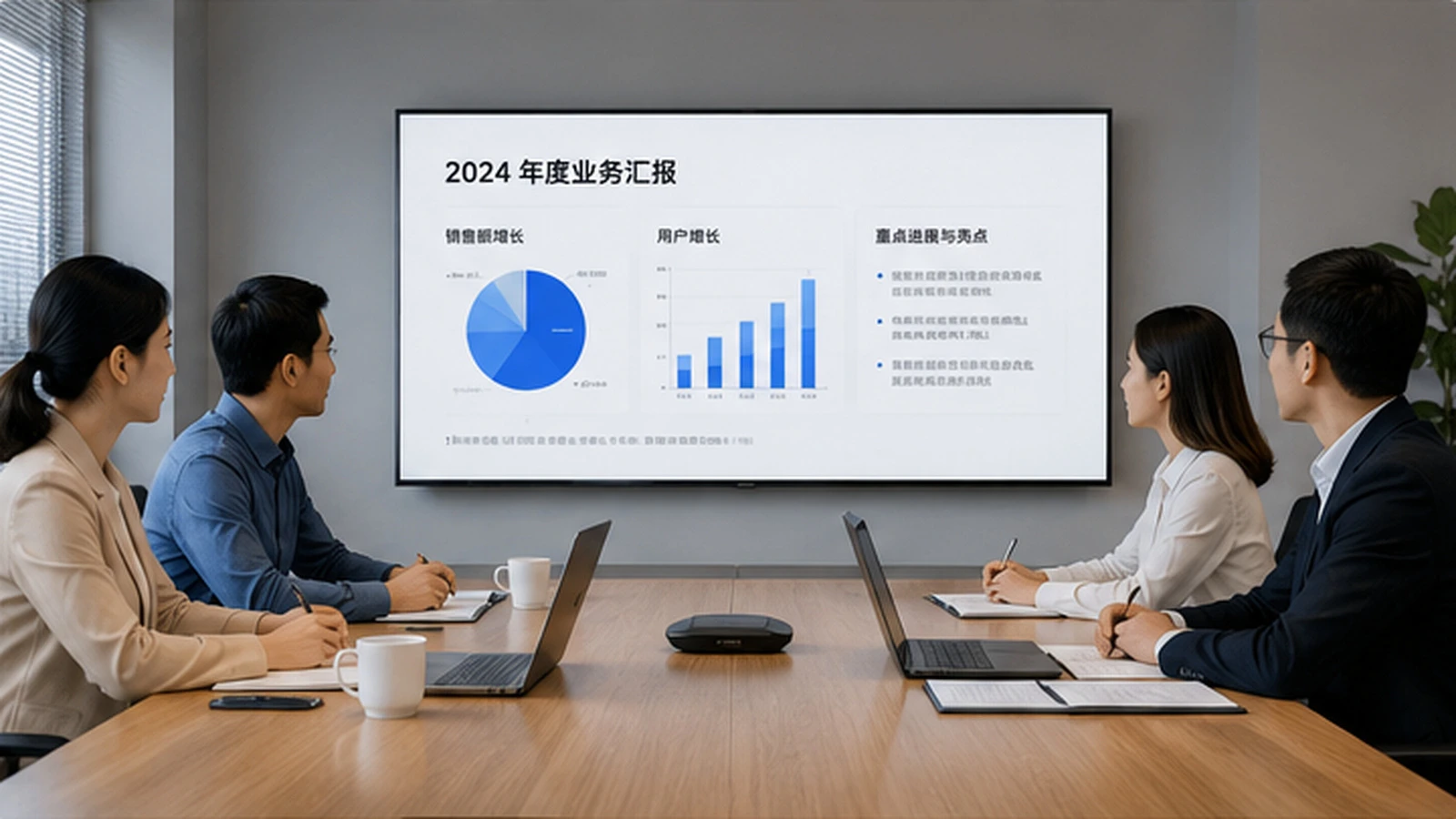 Meetings
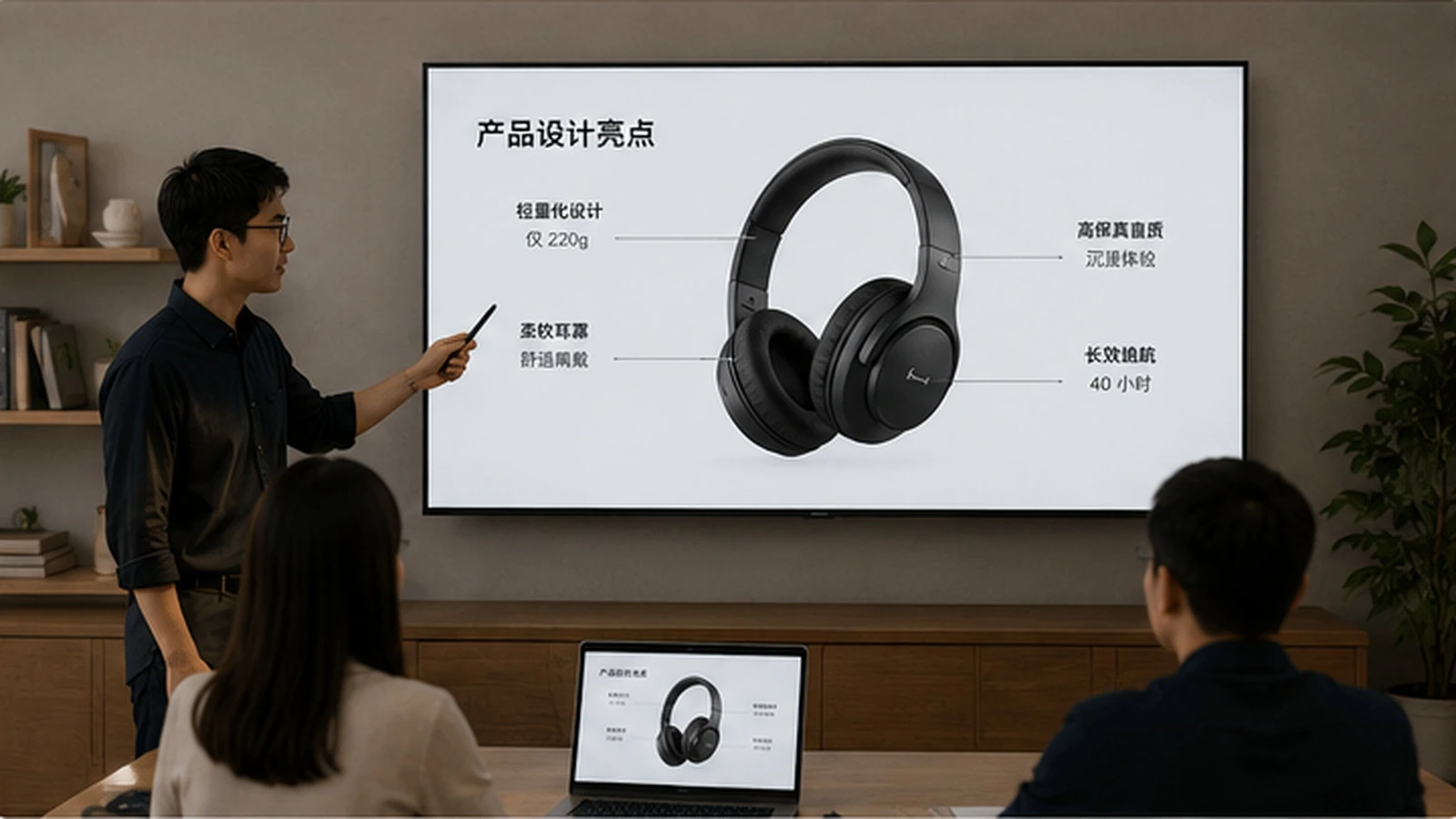 Demonstrations
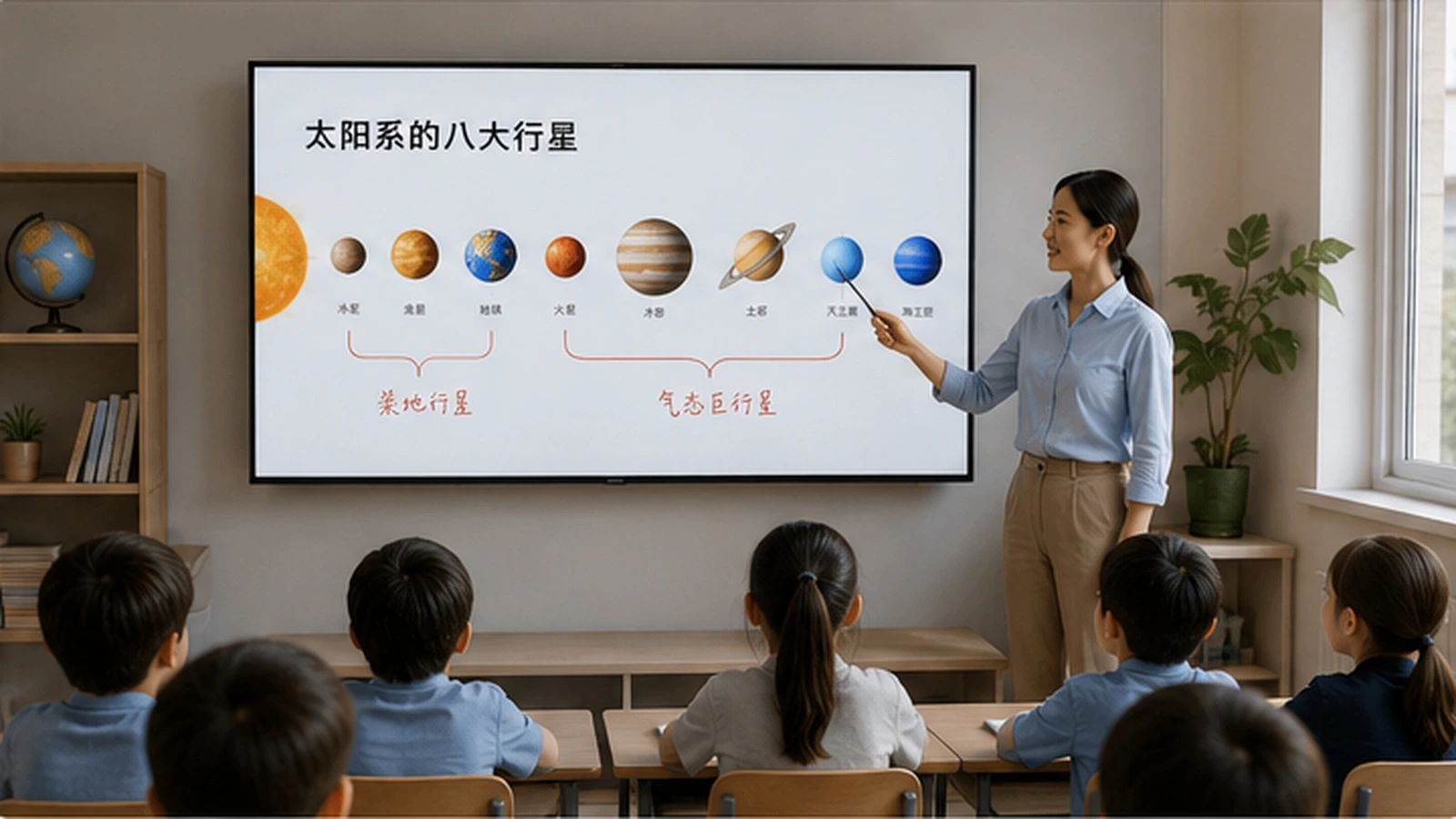 Education
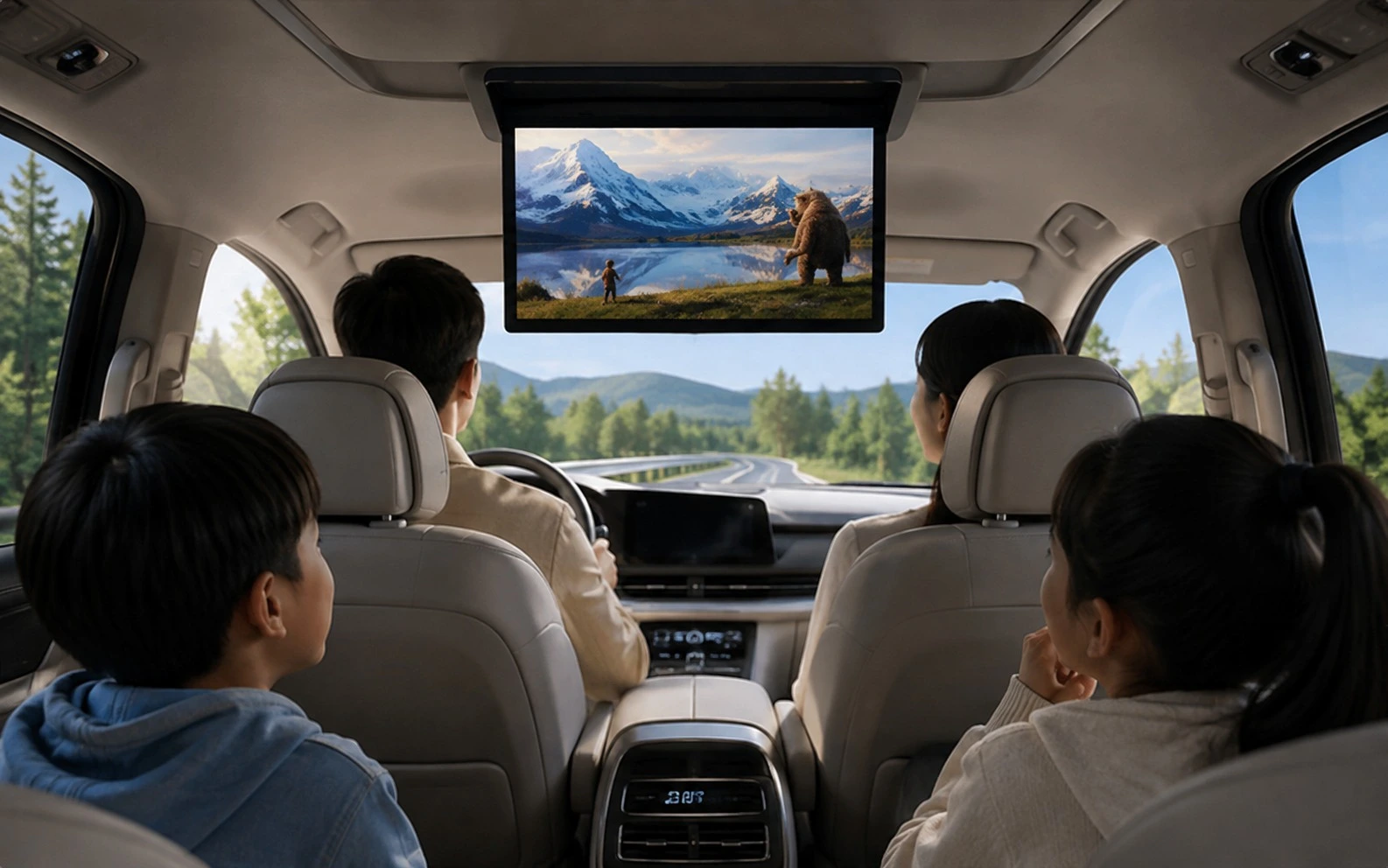 On the road
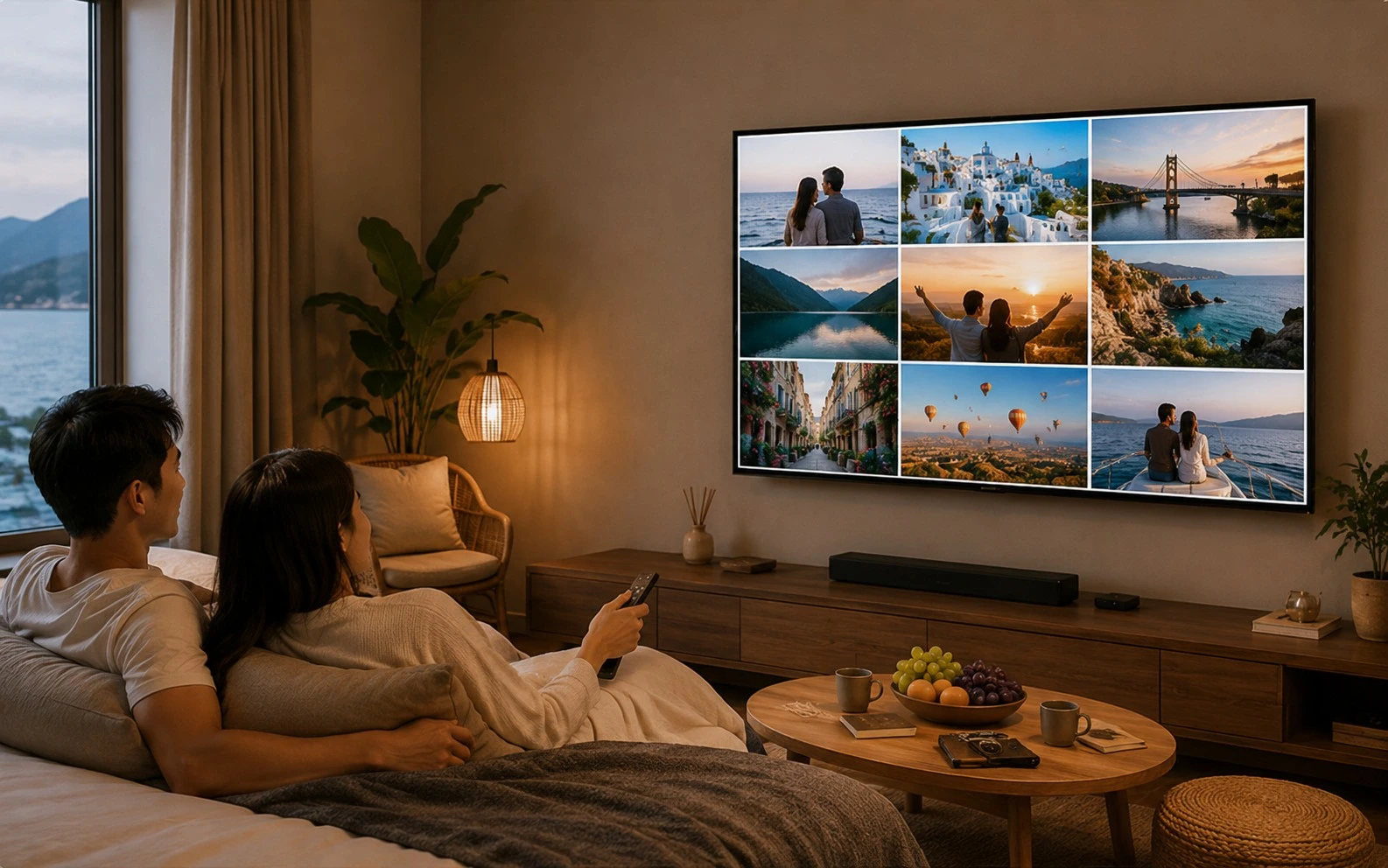 Hotels & stays
Check that your computer, phone and TV can reach each other on the same network, and that the receiver is open. If needed, follow the installation guide, open the TV app and search again.
DLNA-compatible TVs and receivers can receive supported content directly. The TV app provides a consistent receiver experience. Supported content depends on the sender and receiver.
Devices need to reach each other on the same local network. A wired computer and a Wi-Fi TV can work together. Avoid isolated guest networks.
Check network stability and reduce heavy traffic on the network. Use a stable 5 GHz Wi-Fi connection when your devices support it.
Check the TV volume, mute setting and computer audio output. If this does not help, contact support with your system and casting mode.